Photo walks · Photo map
Photo walks, with every picture on the map
A photo walk is about seeing. forWalking handles the remembering: each photo is pinned to the spot where you took it, stamped with its time, and gathered into a diary of your days on foot.


forWalking: Tours Map Photos iPhone and Android
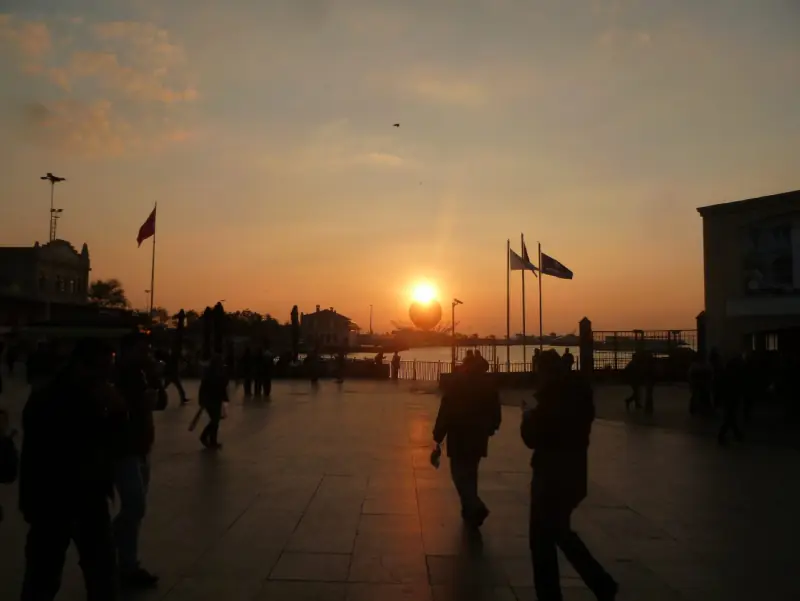
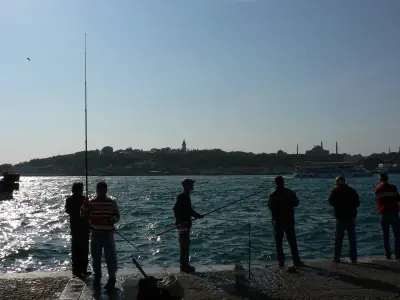
Photo from Wikimedia Commons (CC0): Walter57. Credits
The quick camera
Shoot without leaving the walk
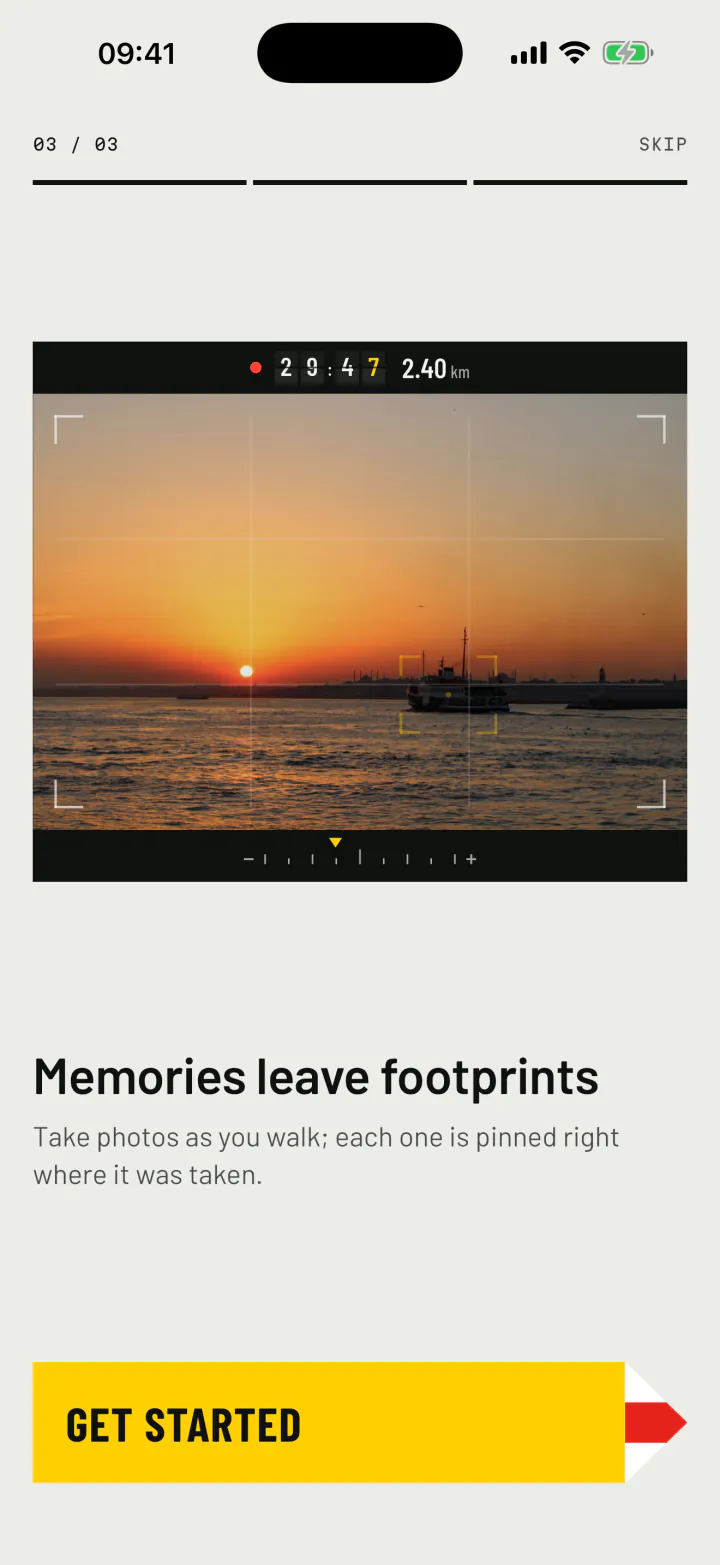
The yellow camera on the live walk opens a quick camera in a beat, with flash, zoom and both lenses. Take the photo and you are back on the map, where the new print has already landed.
Rather use the phone's own camera? Choose it in Settings, or long press the camera button. Photos from your gallery can be added to a walk too: forWalking places them on the route by the time they were taken, and you can move them by hand.
Prints on the map
A photo map that draws itself
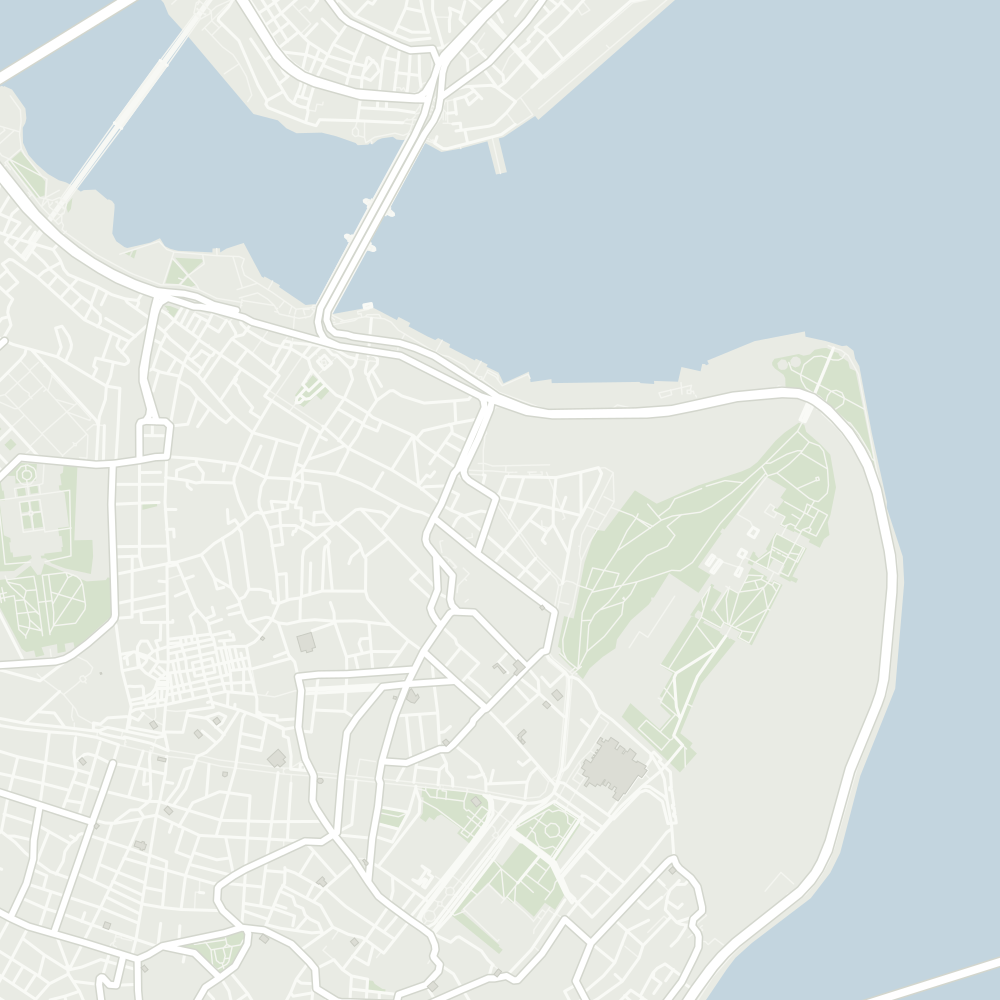
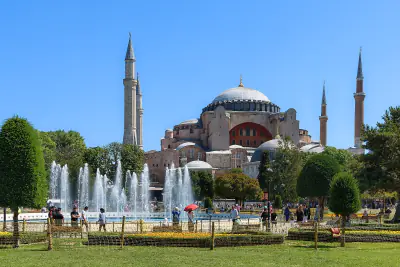
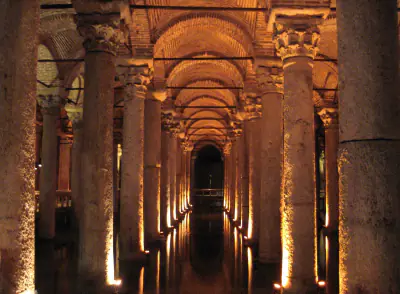
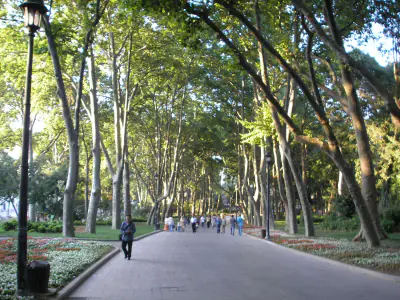
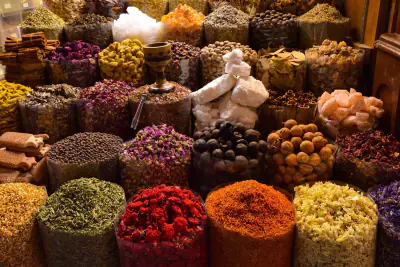
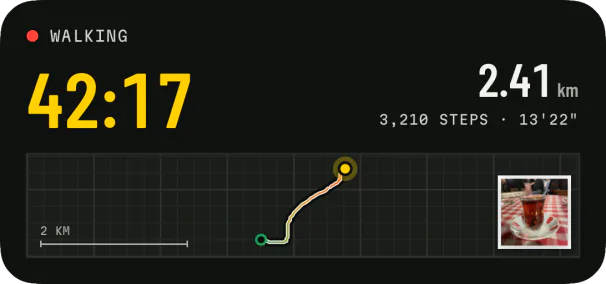
Every picture becomes a print with a white border, laid on the map at its spot and joined to the route by a short post. Watch them drop in as the walk plays back.
Walking
- Moving time
- 37:19
- Distance
- 3.08km
- Steps
- 4,166
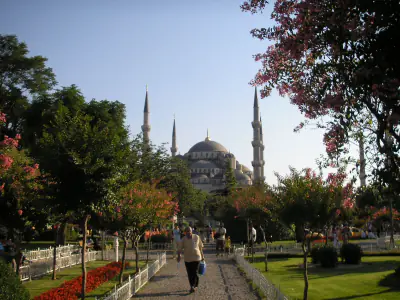
Photos from Wikimedia Commons (public domain and CC0): Gryffindor, Mustang Joe, Gun Powder Ma, Christophe Schindler, Briain. Credits
Travel photo diary
Your days, as a photo diary
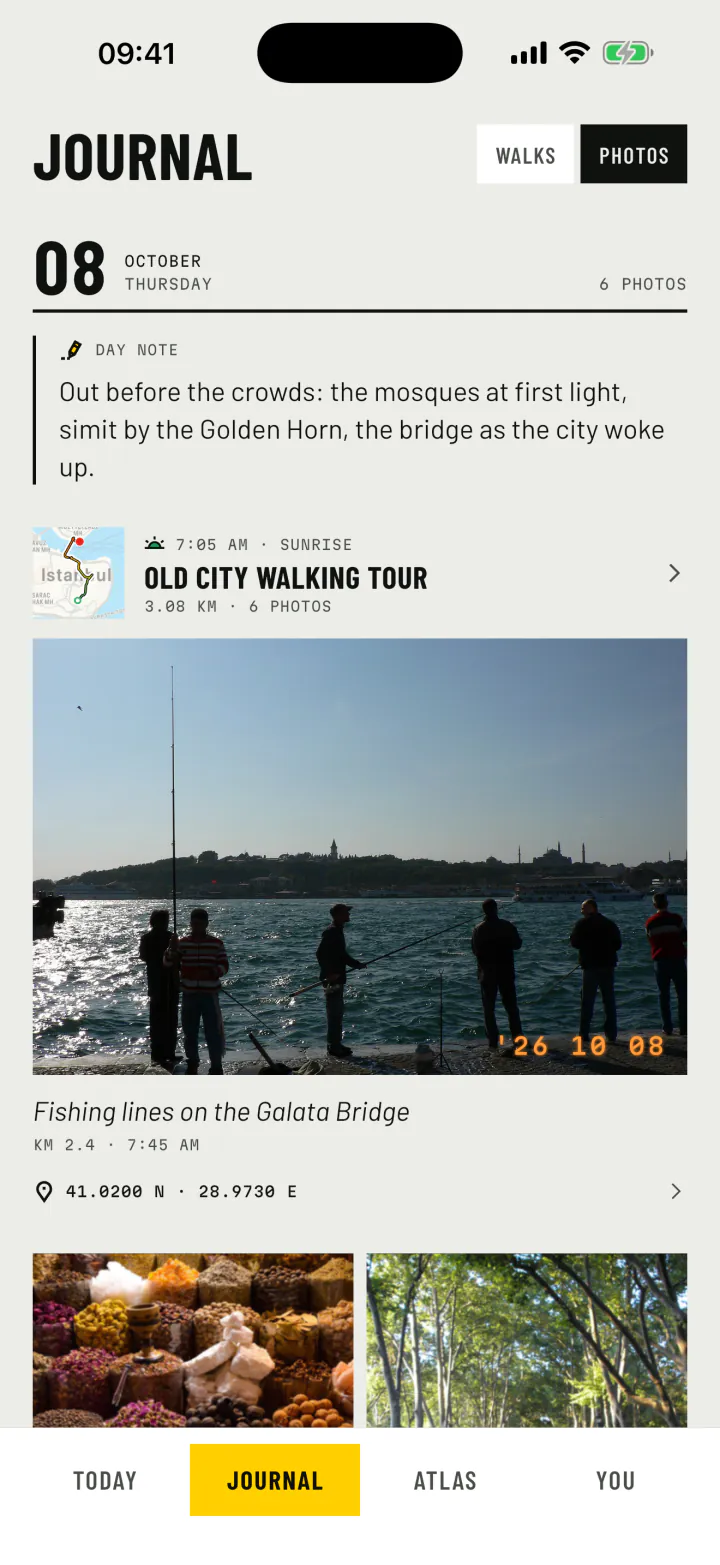
Turn the Journal to photos and each day reads like a page of a travel diary: the walk's title, the note you wrote that evening, and the photos large, each with its caption, time and place.
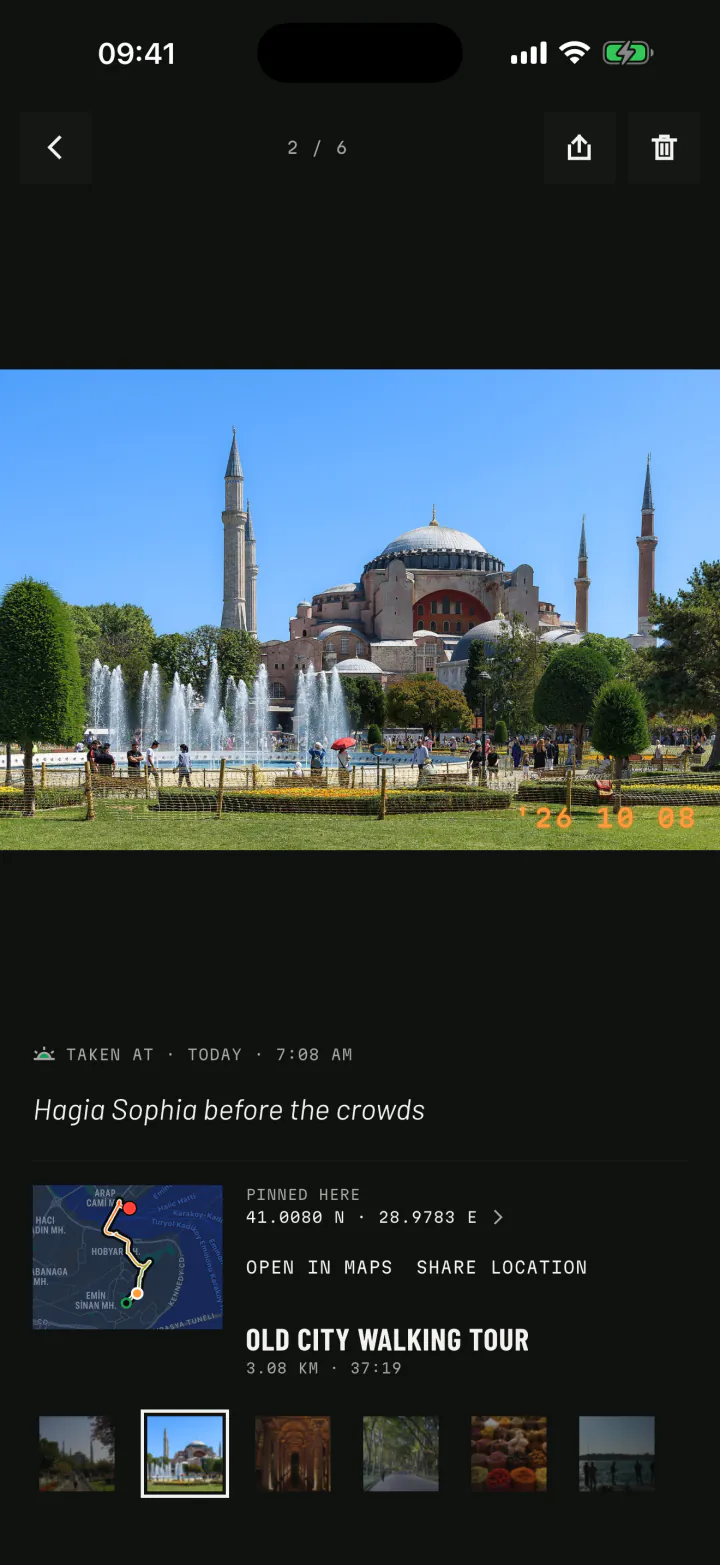
Open any photo and it tells you exactly when and where it was taken, and which walk it came from. One tap opens the place in your maps app.
- Captions under every photo.
- A day note for the things a photo cannot hold.
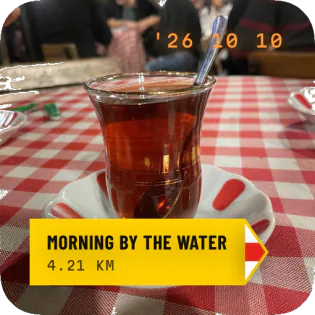
- The orange date stamp of a film camera, in the corner of every print.
Seen again
Photos that come back to you
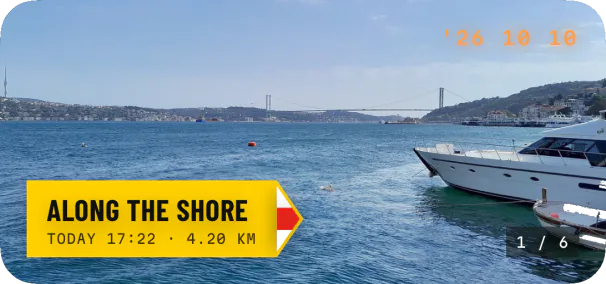
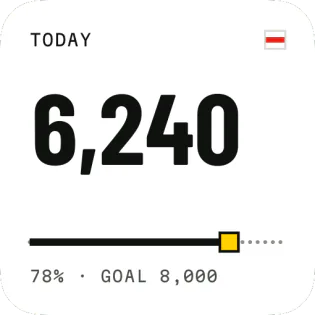
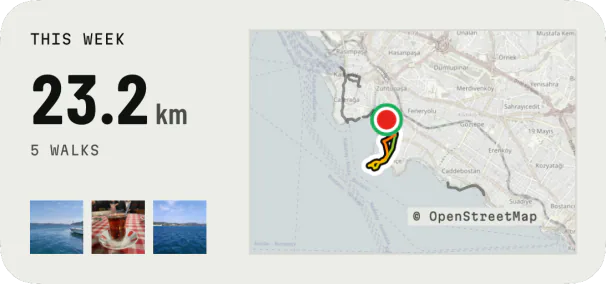
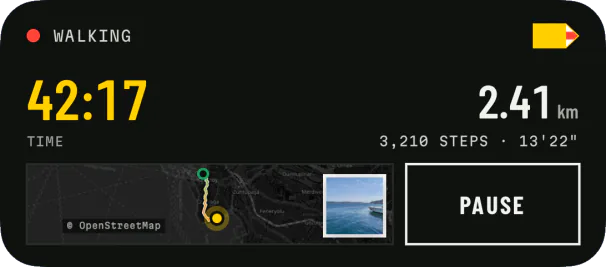
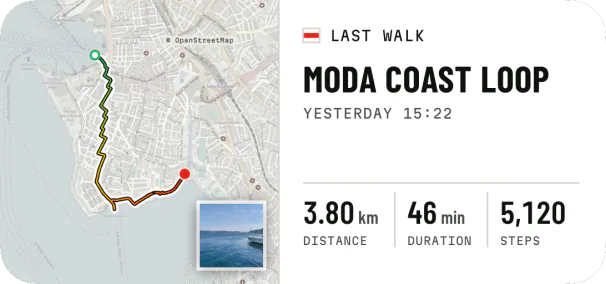
The Memories widget turns your home screen into a slow slideshow of the photos from your walks. In the replay and in videos, each photo rises from the map at the moment you took it.
Photos from Wikimedia Commons (CC0): August Dominus, Hamdigumus, Arefin Shamsul, eXploration Etoile. Map data © OpenStreetMap contributors. Credits
Ideas for your next photo walk
Go out with a question
The best photo walks have a theme. Some to start with:
One colour
Only photograph red today. Doors, signs, a scarf, a tram.
The first hour
Go out at sunrise and follow the light as it reaches the street.
Along the water
A shoreline, a canal, a river path. Reflections change every metre.